
- Çalışan
- Arıza
Genel Durum: Arıza
Bu ürün şuan arızalıdır. Üreticiden yedek parça beklenmektedir.
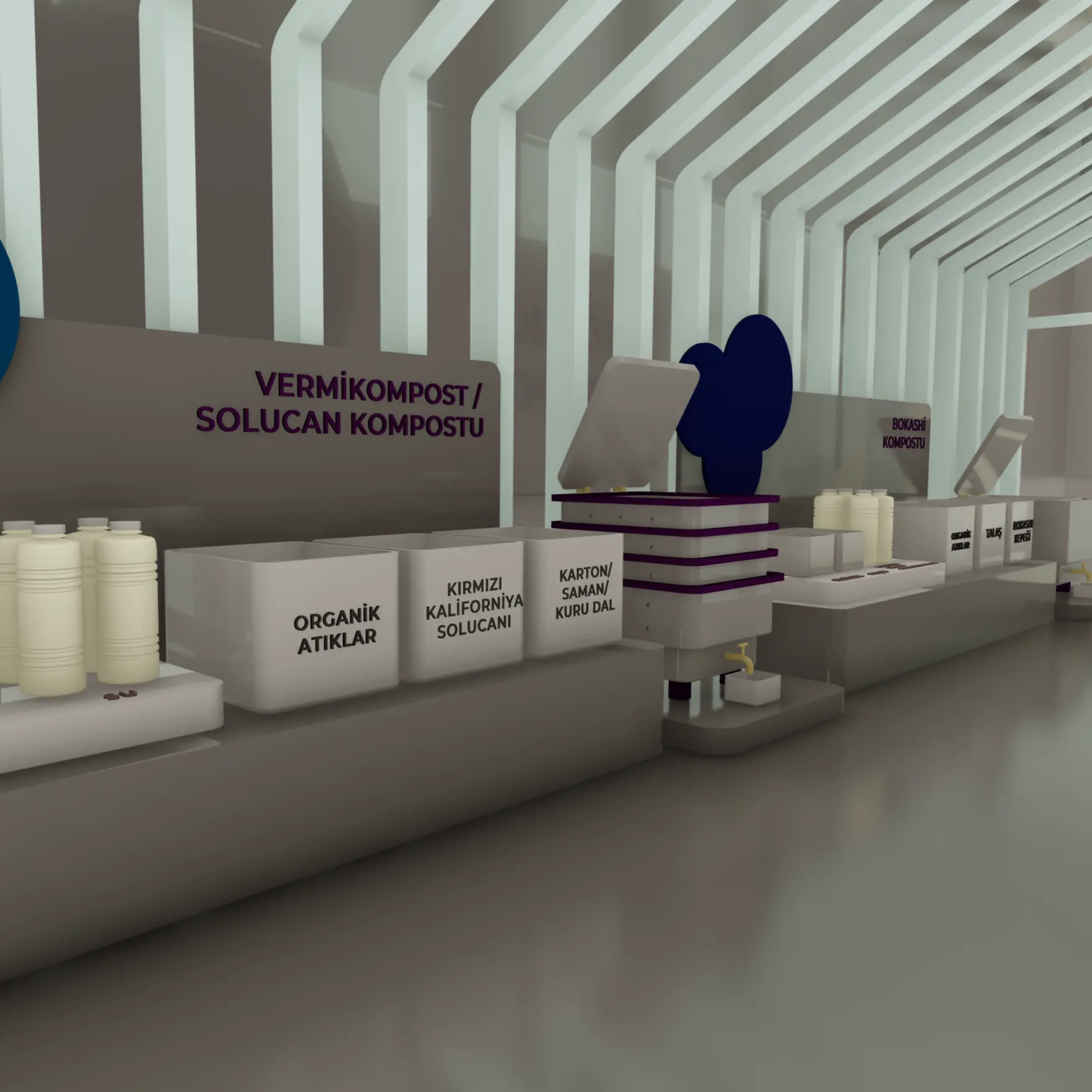

On the desktop there are wooden profiles describing the compost types. The user decides which compost type he/she would like to get to know with the guidance questions on the mini screen. The mini screen shows a gif representation of the selection by lifting the profile upwards. When the profile is lifted up to select a compost type, an icon and a short text about that compost type appears on the large screen next to it, and then the user is asked to make a selection with the buttons to build their own compost. Visual support is provided as a hint to the user for their selection on the large screen. After the user builds his/her compost, he/she learns about the processes by seeing the sections of the compost such as day 1, day 7, day 14 on the big screen.


Genel Durum: Arıza
Bu ürün şuan arızalıdır. Üreticiden yedek parça beklenmektedir.


